
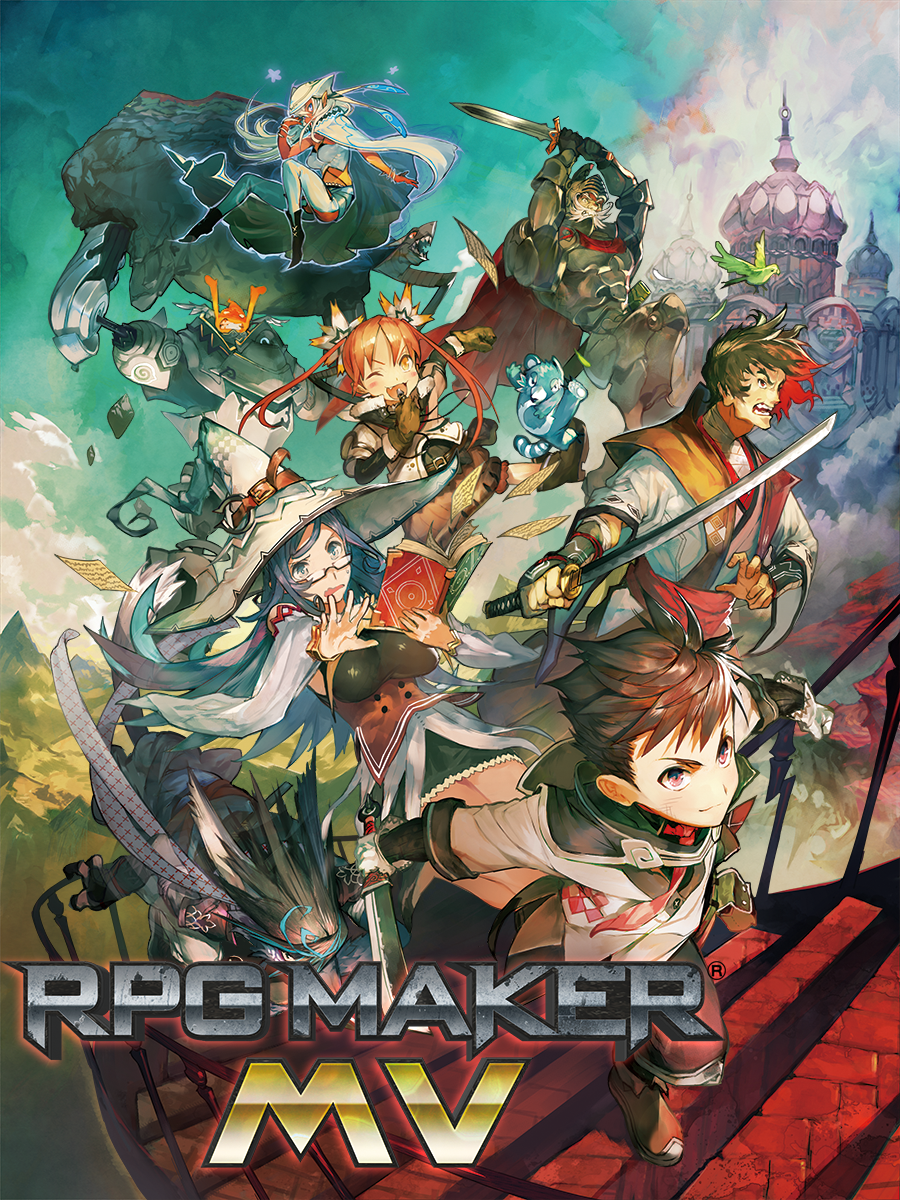

RPG Maker MV EU Steam CD Key
1 in stock
Europe-labelled Steam key for the RPG Maker MV editor. Build your own maps, events and RPG projects, and check the activation country and editor OS support before purchase. Review separate resource packs by name when planning extras.
$44.37
1 in stock
POWERFUL enough for a developer SIMPLE enough for a child VERSATILE enough for any platform!RPG MAKER MV allows you to make the RPG of your dreams! This latest version includes a host of new featuresand export options for MacOSX, Android, and iPhone!
EU Steam edition, project exports and computer checks
This is the Europe-labelled Steam offer for RPG Maker MV. Confirm your activation country before buying, and compare editions and additional resource packs by their product names. If another listing uses a different region label, use the Steam region label guide to compare the eligibility terms for the editor you want.
MV can create Windows and HTML5 browser builds, and the publisher describes mobile export options. An export target identifies where the game you make is intended to run. Check the chosen platform’s build and publishing requirements when planning distribution.
The publisher’s MV requirements list macOS Big Sur 11.0 and later as unsupported. Windows users should also check the current Steam client requirements alongside the editor’s hardware requirements.
Compare the standard RPG Maker MV Steam offer when choosing a regional listing. Our Steam key activation guide explains the account and product checks before redemption.
Plan a first RPG Maker MV project and the editor you will use
RPG Maker MV is creation software for building a game of your own. Before choosing it, think about the first small project you want to finish: a few linked locations, a conversation and a simple encounter can give you a more concrete starting goal than a large world. The official getting-started guidance explains that you can make a game without learning programming and points to the tutorials in Help. JavaScript provides a route to more advanced changes when that becomes part of your plan.
Keep the creation tool, additional resources and games made with it distinct. The RPG Maker MV license and platform checklist helps compare the exact editor with separately named asset packs and other RPG Maker engines. A resource pack is useful only when it fits the project and engine you chose. If an existing project is the reason for buying, identify its editor version and required resources before assuming a similarly named package will open everything unchanged. MV and MZ should remain separate names in that comparison.
Choose the computer on which you intend to author the project, then compare the software and launcher requirements with that machine. The PC requirements guide explains how to check graphics support and operating-system conditions alongside memory and processor details. The publisher marks macOS Big Sur and later as unsupported for MV. An export option for a finished game is a different question from running the editor on your own desktop. Check the publishing requirements for the target you actually plan to use rather than assuming one button establishes every store submission.
This offer retains its EU-labelled Steam identity. The country eligibility checklist helps organise the actual country and account checks before redemption. For a learning project, start by confirming the editor and installation you need, then add resources when the project calls for them. If distribution is planned, read the relevant engine and resource terms for those exact assets. A software purchase supplies the named tool; it does not establish that every third-party asset, platform submission or future project has the same permissions or technical requirements.


