
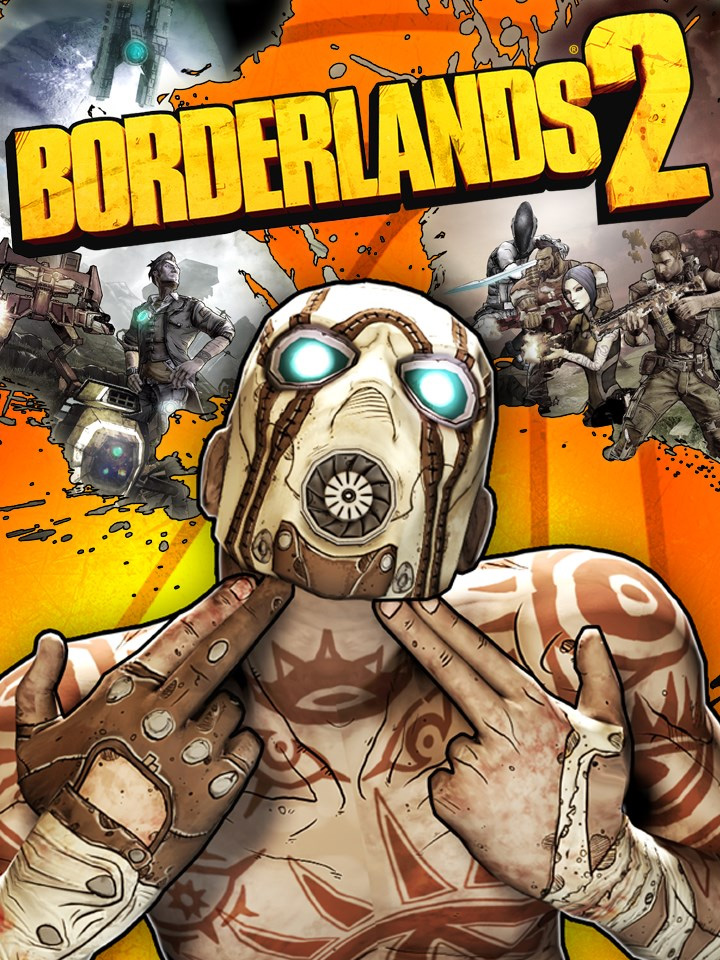

Five years after the events of Borderlands, a valuable mineral called "Eridium" starts flourishing through Pandora's crust. Handsome Jack, the leader of the Hyperion Corporation, secures this new resource and uses it to rule over Pandora with an iron fist. Meanwhile, rumors of an even larger Vault hidden on Pandora spread across the galaxy, drawing a new group of Vault Hunters to the planet in search of it.
Mac activation and compatibility
This key is restricted to redemption through Steam on a Mac. Check the Mac edition carefully before ordering.
Aspyr’s published legacy game requirements list macOS 10.12.6 or newer, an Intel Core 2 Duo processor, 4 GB RAM, 13 GB storage and a supported graphics card with 256 MB video memory. These specifications do not establish compatibility with every newer Mac or Apple Silicon model.
Review Aspyr’s Borderlands 2 Mac requirements alongside Steam’s current macOS support notice. The game and the Steam client have separate system requirements. Aspyr’s Mac FAQ also reports that multiplayer between Mac and Windows is disabled while their game versions differ.
Choose the Mac Steam edition with a clear compatibility and co-op plan
Borderlands 2 combines first-person shooting with finding equipment and developing a character. Decide whether you want to follow that progression alone or organise a cooperative campaign, because a shared plan adds platform and version questions to the purchase. This offer specifically names a Mac Steam copy. It should be compared with the actual release you intend to install, rather than treating every Mac download or every Borderlands package as the same entitlement. The original game also remains distinct from other numbered entries and franchise collections.
Aspyr distinguishes the Steam Mac release from the Mac App Store version in its published support information. The PC storefront and library checklist helps you identify the launcher and account involved before comparing a code with a copy already held. A purchase intended for Steam should be checked against that Steam library. The Mac App Store has its own distribution and additional-content arrangements. Similar game titles in two launchers do not establish that their downloads, purchases or save locations are interchangeable. For this Steam delivery, use the Steam key region checklist before assuming another Borderlands 2 offer has the same eligible countries. After checking this Mac edition separately, use our Steam code registration checklist for the redemption step on the intended account.
Mac compatibility requires more than reading an older operating-system minimum. The computer requirements comparison guide helps organise checks for the actual processor, graphics capability, operating system and current client. Aspyr’s published FAQ includes legacy Mac specifications, while Steam support is a separate requirement. Those historical specifications do not by themselves verify a current Mac model or an Apple Silicon setup. Compare both the supported game build and the current launcher with your intended machine, and resolve any uncertainty about that combination before buying.
For multiplayer, Aspyr’s published FAQ warns that its Mac and Windows versions are not in sync and cross-platform play is disabled. Treat that as a support warning to check for your planned group, rather than assuming a friend’s Windows copy can join because both use Steam. Existing DLC ownership also matters when comparing a larger package. The edition and included-content checklist helps identify the exact game and additions already held before another purchase. Choose the Mac release for the hardware and players you can actually support, with a separate check for any expansion or collection that prompted your search.


