
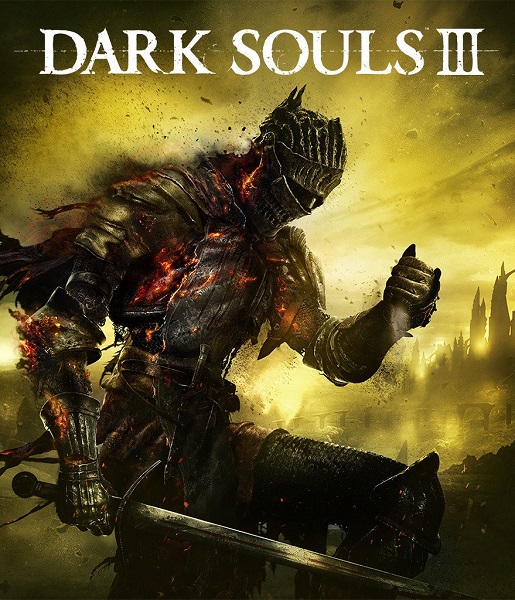

Dark Souls III Deluxe Edition EU Steam CD Key
3 in stock
Dark Souls III Deluxe Edition combines the full game and Season Pass, including the two named expansions to compare with existing ownership. This offer is labelled EU Steam. Verify the delivered package, activation countries and PC setup before buying.
$24.07
3 in stock
As fires fade and the world falls into ruin, developer FROMSOFTWARE and director Hidetaka Miyazaki continue their critically-acclaimed and genre-defining series with Dark Souls III. Fans and newcomers alike will get lost in the games hallmark rewarding gameplay and immersive graphics. Now only embers remain…
Compare the Dark Souls III Deluxe Edition EU Steam contents
This offer names Dark Souls III Deluxe Edition for Steam with an EU designation. The key distinction is its package: Bandai Namco identifies Deluxe as the full game plus the Season Pass, while Standard supplies the full game. Start by deciding whether you need the base game and the additional content together. A buyer who already owns some of those items should compare what this particular package would add before choosing it.
The Season Pass is described as two DLC packs, with Ashes of Ariandel and The Ringed City named in the publisher's expansion information. Use those names when checking existing ownership. Someone who already owns the base game may only need missing additional content. Someone who owns a previous Deluxe package may already have the pass. Do not assume a repeated component becomes a spare transferable copy or that an overlapping purchase will automatically receive a credit.
The underlying game is the third Dark Souls entry, an action RPG with challenging combat and a ruined dark-fantasy setting. Decide whether you want that game and its expanded content, rather than selecting solely because Deluxe sounds more complete. A package name identifies included items; it does not remove the need to judge the combat, pace and atmosphere for the person who will play. Compare gameplay from the numbered game you are buying.
The Steam designation identifies the PC activation platform for this offer. Match the code to the intended Steam account and inspect that library before paying. An Xbox or PlayStation edition should be assessed as a separate platform purchase. The publisher's general edition comparison explains the contents structure, but it does not establish that one retail code grants licenses across all the platforms shown on an official game website.
The EU label requires a separate country check. Confirm the actual activation list and exclusions for the delivered key, including the intended account's location, instead of translating EU into an unrestricted promise for every European country. If the purchase is for a person in the United Kingdom or another territory whose eligibility is unclear, resolve the offer-specific conditions before checkout. The fictional setting and supported interface languages do not determine the code's territory rights.
Check the computer requirements for Dark Souls III and the present Steam client support before choosing the PC version. Compare the relevant processor, graphics hardware, memory, storage and operating system as a complete setup. An older Windows name in a historical requirement table should not be treated as a present launcher-support guarantee. Allow for the game and the additional content you intend to install rather than comparing only the size of an unrelated edition. Bring the PC requirements guide to that edition check so the hardware comparison stays tied to the actual PC release and content you intend to install.
For a new player who wants both the base game and its pass, Deluxe provides a package structure to compare with buying the items separately. For an existing owner, the useful comparison starts with the parts still missing. Keep the exact Steam offer and order details available through redemption, then verify the resulting game and add-ons in the account. This keeps the choice tied to the contents and account you need.
Use the Dark Souls III Standard and Deluxe comparison to compare the full game, pass and named expansions against the items already in your library.
The included-content checklist helps evaluate a Deluxe title through the actual supplied package rather than an assumed set of extras.
Read the EU activation-country guide alongside this key’s real territory conditions before selecting it for a specific Steam account.


